Contact
For bug reports, questions, or feedback, contact info@ddealing.com. Including the following details helps us investigate faster:
- Your device model
- Your iOS or iPadOS version
- Your Day Limit app version
- What you were trying to do
- What happened
- Whether it happens every time or only sometimes
For display issues, screenshots are also helpful.
FAQ
How do I use Day Limit?
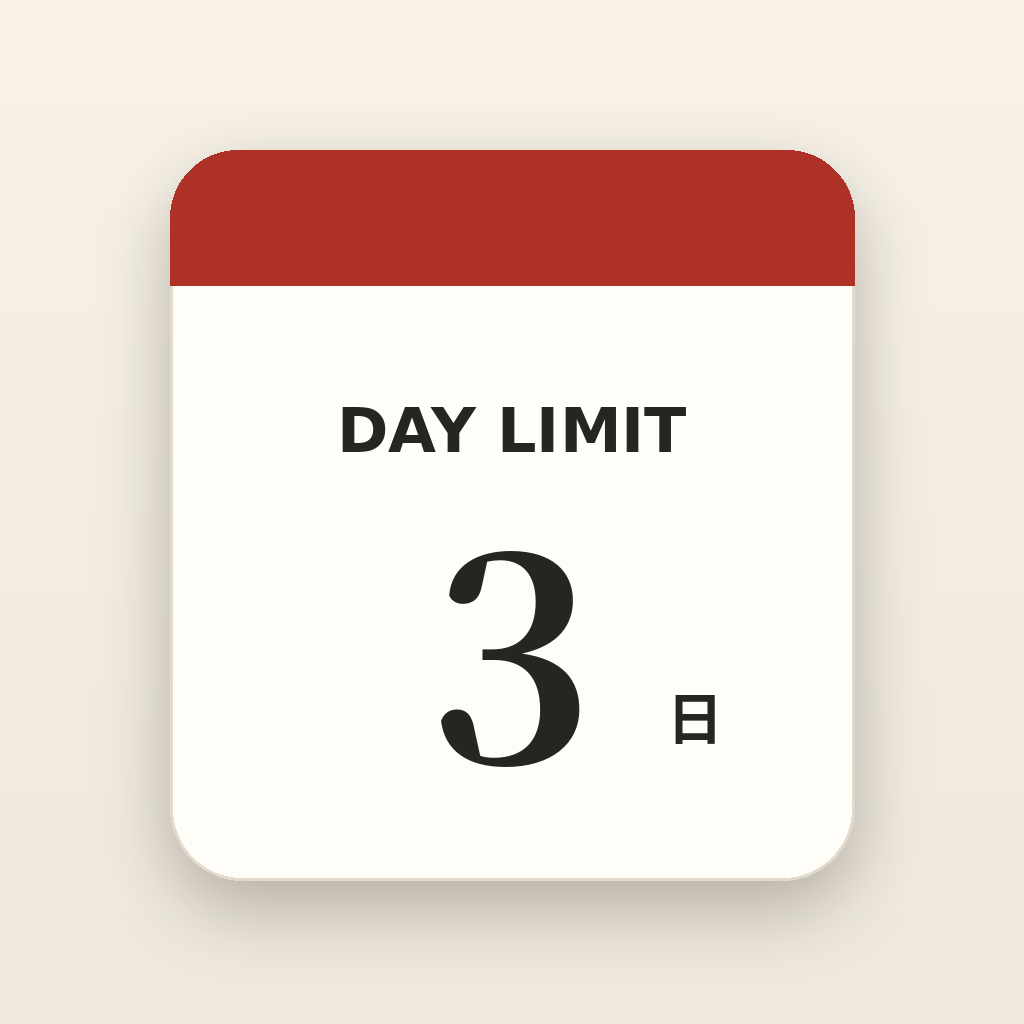
Add an event name and date. Day Limit shows the number of days remaining in a tear-off calendar style.
Can I add multiple events?
Yes. You can add multiple events and choose which one to display from the event list.
What happens on the event day?
On the event day, the countdown shows 0 days. After the date passes, the app switches to a since-date display.
Does Day Limit show ads?
No. Advertising has been deferred. The currently distributed version 1.1 and the planned version 1.2 remain ad-free.
Where is my data stored?
Your events and display settings are stored on your device. See the Privacy Policy for details.
What is Desk Mode?
Desk Mode is a display mode intended for glanceable use near your workspace. The app does not change the device's system brightness.
Supported topics
- Questions about adding, editing, and deleting events
- Date calculation and countdown display questions
- iPhone and iPad display issues
- Localization or UI issues
- Bug reports
Out of scope
- Device or operating system issues unrelated to the app
- Apple ID or App Store issues
- Individual guarantees for device backups, restores, or data migration